Lately, I have been using coding agents quite often to support my development workflow. I do not hand over the entire development process to AI. Instead, I use it as a companion for reading source code, building features, fixing bugs, and handling repetitive tasks.
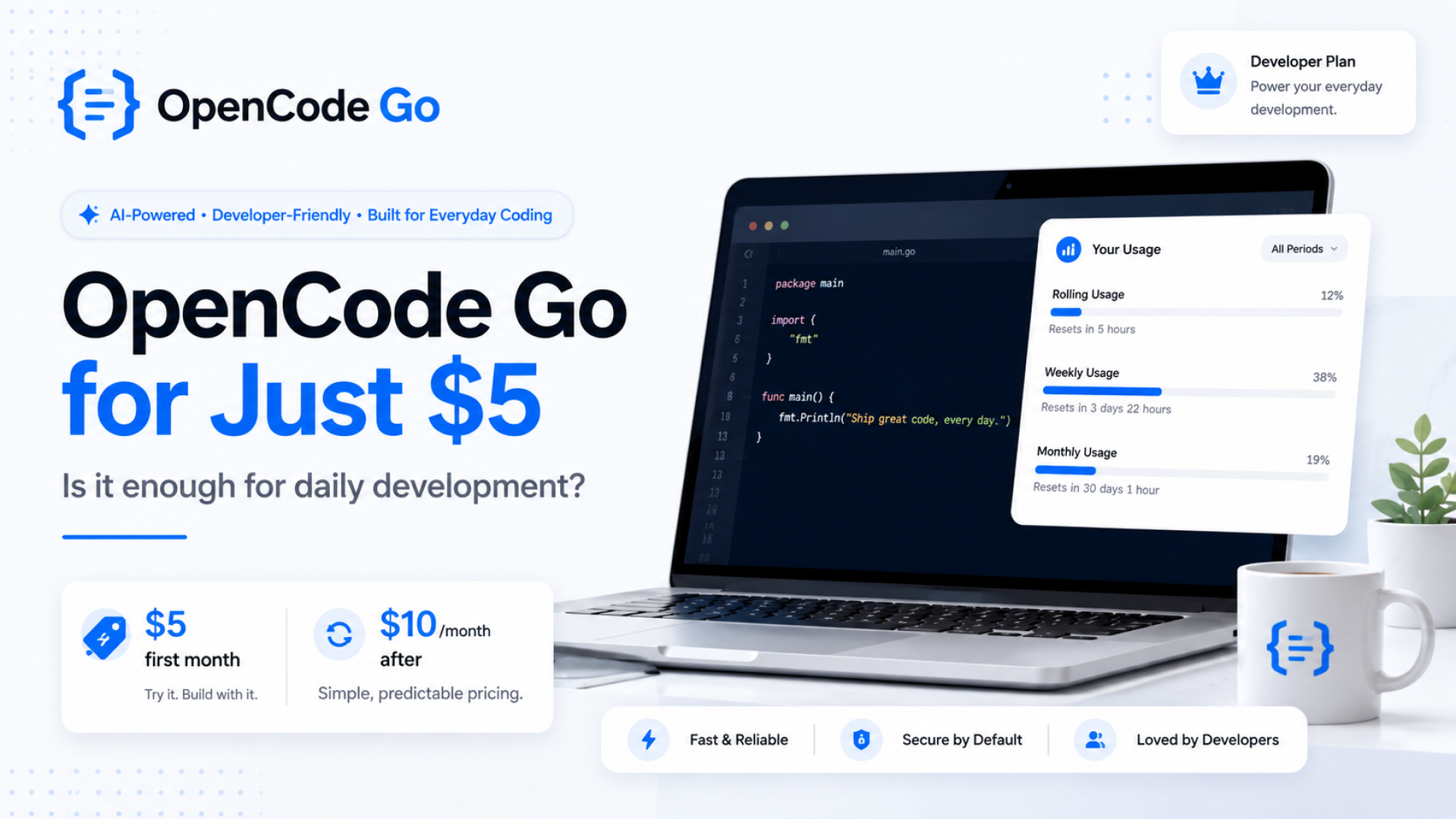
One of the services I am currently trying is OpenCode Go. The subscription price is quite affordable, starting at US$5 for the first month, then increasing to US$10 per month.
For my daily development needs, the available usage limits have been more than enough so far.
Disclosure: This article is based on my personal experience. Some links in this article are referral links.
What Is OpenCode Go?
OpenCode is a coding agent that can be used directly from the terminal. It allows us to interact with a project by reading its repository structure, finding files, explaining code, making changes, and running development commands.
OpenCode Go is a low-cost subscription plan that provides access to coding models available through the service.
To use it, you can connect OpenCode Go as a provider in your OpenCode configuration. After that, you can select the available model based on the task you are working on.
I Do Not Immediately Use the Paid Models
My workflow is quite simple. I do not use my OpenCode Go quota for every development task.
At the beginning of a task, I usually try to complete it using a free model first. Free models are still useful for several development activities, such as:
- Finding specific files or sections of code.
- Explaining functions and application flows.
- Making small code changes.
- Helping write technical documentation.
- Creating boilerplate code or an initial structure.
When a task requires better reasoning, involves multiple files, or needs more complex changes, I switch to one of the models available through OpenCode Go.
With this workflow, I can manage my usage more efficiently. I only use the paid models when they provide additional value instead of using them for every small prompt.
How Much of the Usage Limit Have I Used?
OpenCode Go displays several usage limits, including rolling usage, weekly usage, and monthly usage. Each limit has a different reset period.
At the time of writing this article, my usage dashboard showed:
- Rolling usage: 0%.
- Weekly usage: 38%.
- Monthly usage: 19%.
This usage already includes my daily development activities, such as reading existing projects, adjusting features, fixing code, and helping prepare implementation plans.
Based on my experience so far, the plan has been sufficient for my development needs. This is especially true because I combine it with free models and do not use the paid models for every task.
What Do I Use OpenCode Go For?
In my daily work, I mainly use coding agents to help with tasks such as:
- Understanding the structure of an existing project.
- Finding relationships between routes, controllers, services, and databases.
- Building or adjusting CRUD modules.
- Cleaning up code and performing gradual refactoring.
- Writing technical documentation.
- Identifying potential errors before testing a feature.
- Handling repetitive development work that would normally take more time.
However, I still review every change created by the coding agent. A coding agent can speed up the development process, but decisions related to architecture, data structure, security, and business requirements remain the developer's responsibility.
Is OpenCode Go Worth It?
At US$5 for the first month, I think OpenCode Go is an interesting option for developers who want to try a coding agent without immediately paying for a more expensive subscription.
When the price changes to US$10 per month, its value will depend on how each developer uses it. For me, as long as the coding agent can save several hours of development time every month, the cost is still reasonable.
This plan may be suitable for:
- Freelance developers working on multiple projects.
- Developers maintaining existing applications or legacy codebases.
- Programmers who want to try a coding-agent workflow.
- Developers who want to combine free and paid AI models.
However, a coding agent should not be treated as a replacement for programming skills. Developers still need to understand application architecture, databases, debugging, security, and the reasoning behind the generated code.
How to Try OpenCode Go
If you are interested in trying OpenCode Go, you can use my referral link .
By registering through this link, you can receive US$5 in bonus credit to start trying OpenCode Go.
I will also receive a referral benefit when you sign up through the link. So, besides receiving bonus credit to try OpenCode Go, you will also be supporting me in creating more articles and sharing my experience with development tools and coding agents.
Sign Up for OpenCode Go and Get US$5 in Credit
Prices, referral bonuses, and program terms may change. Make sure to review the latest information shown on the registration page before subscribing.
Conclusion
After using it for daily development work, OpenCode Go has been sufficient for my needs so far. One of the main reasons is that I do not continuously use the paid models.
I usually start with a free model and switch to OpenCode Go when I encounter a more complex task. With this workflow, I can use the available quota more efficiently.
For me, a coding agent is not a tool that allows developers to stop thinking. It works best when it is used by developers who understand their projects, can provide clear context, and are able to review the generated changes.