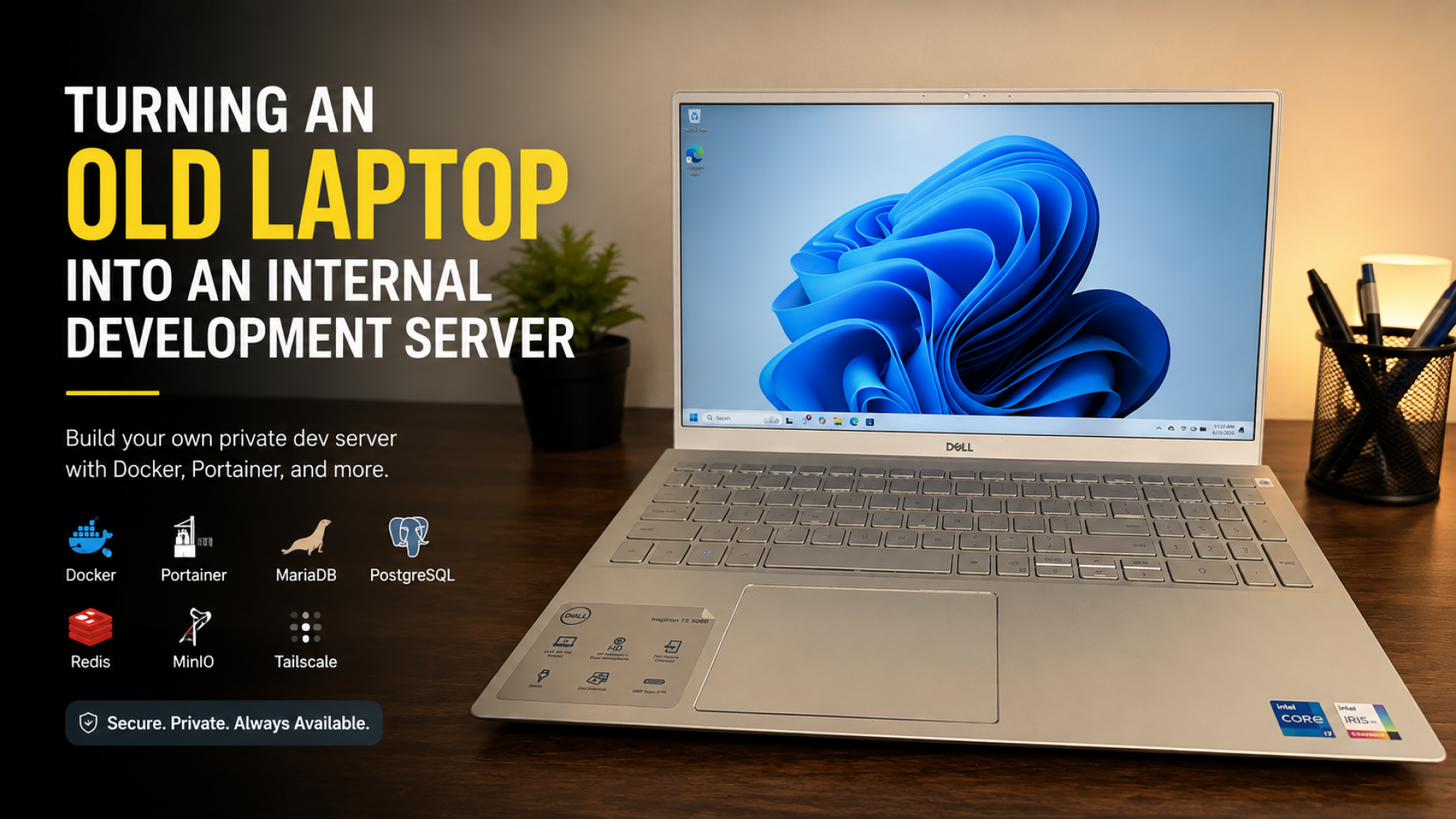
There is a phase that almost every developer eventually experiences: owning an old laptop that is still powerful enough to be useful, but no longer comfortable enough to serve as a primary machine.
My original idea was surprisingly ambitious: turning my Dell Inspiron 5502 into a local LLM server. I experimented with several models through Ollama and Open WebUI, hoping to build a private AI assistant that could run entirely from home.
The problem was simple.
The laptop is equipped with an Intel Core i7-1165G7 and 16 GB of RAM, which is perfectly adequate for development work, but not ideal for running larger language models with acceptable responsiveness. After several rounds of experimentation, I realized that the hardware would be far more valuable as an internal development server than as a dedicated LLM box.
That decision completely changed the direction of the project.
Instead of pushing the hardware beyond its strengths, I focused on building a small infrastructure that I would actually use every day.
Why an Internal Development Server?
As a developer, my real needs turned out to be much more practical than running AI models.
I needed:
- Databases that are always available
- Object storage for uploaded files
- Redis for caching and queues
- Simple Docker deployments
- Secure remote access
- Shared storage for projects and backups
An old laptop running 24/7 is surprisingly good at all of those tasks.
I eventually chose Ubuntu as the operating system, Docker as the primary foundation, and Portainer as the deployment dashboard.
Hardware
The setup is intentionally simple:
| Component | Specification |
|---|---|
| Laptop | Dell Inspiron 5502 |
| CPU | Intel Core i7-1165G7 |
| RAM | 16 GB |
| System SSD | 1 TB |
| Data SSD | 512 GB |
The second SSD is dedicated entirely to Docker data, databases, object storage, media, and backups.
The Architecture
After several iterations, the server ended up with this structure:
Dell Inspiron 5502
│
├── Ubuntu (Headless)
├── Tailscale
├── Docker
├── Portainer
├── MariaDB
├── PostgreSQL
├── Redis
├── MinIO
├── Adminer
└── /srv (512 GB SSD)
    ├── docker-data
    ├── mariadb
    ├── postgres
    ├── redis
    ├── minio
    ├── backups
    ├── media
    └── projects
Everything runs in Docker, while all persistent data is stored on the dedicated SSD, keeping the operating system clean and easy to maintain.
Why I Don't Expose Ports to the Internet
One of the best decisions I made was using Tailscale.
Every service is accessed through a private Tailscale network, which means I do not need port forwarding or a public reverse proxy.
Portainer, MariaDB, PostgreSQL, Redis, and MinIO are only reachable from devices that belong to my tailnet.
For a personal development server, this approach is both simpler and significantly more secure.
From an Old Laptop to Infrastructure
The most interesting part of this project is not the technology itself.
It is the shift in perspective.
I stopped thinking of the laptop as unused hardware and started treating it as infrastructure.
It now hosts project databases, Docker deployments, uploaded files, backups, and shared storage, all accessible remotely through Tailscale.
Everything runs on a single laptop that was previously sitting idle as a backup machine.
What's Next?
This article is the first part of the Building My Internal Development Server series.
In the next article, I will explain why I chose Ubuntu Desktop instead of Ubuntu Server, and how I converted it into a headless server without reinstalling the operating system.