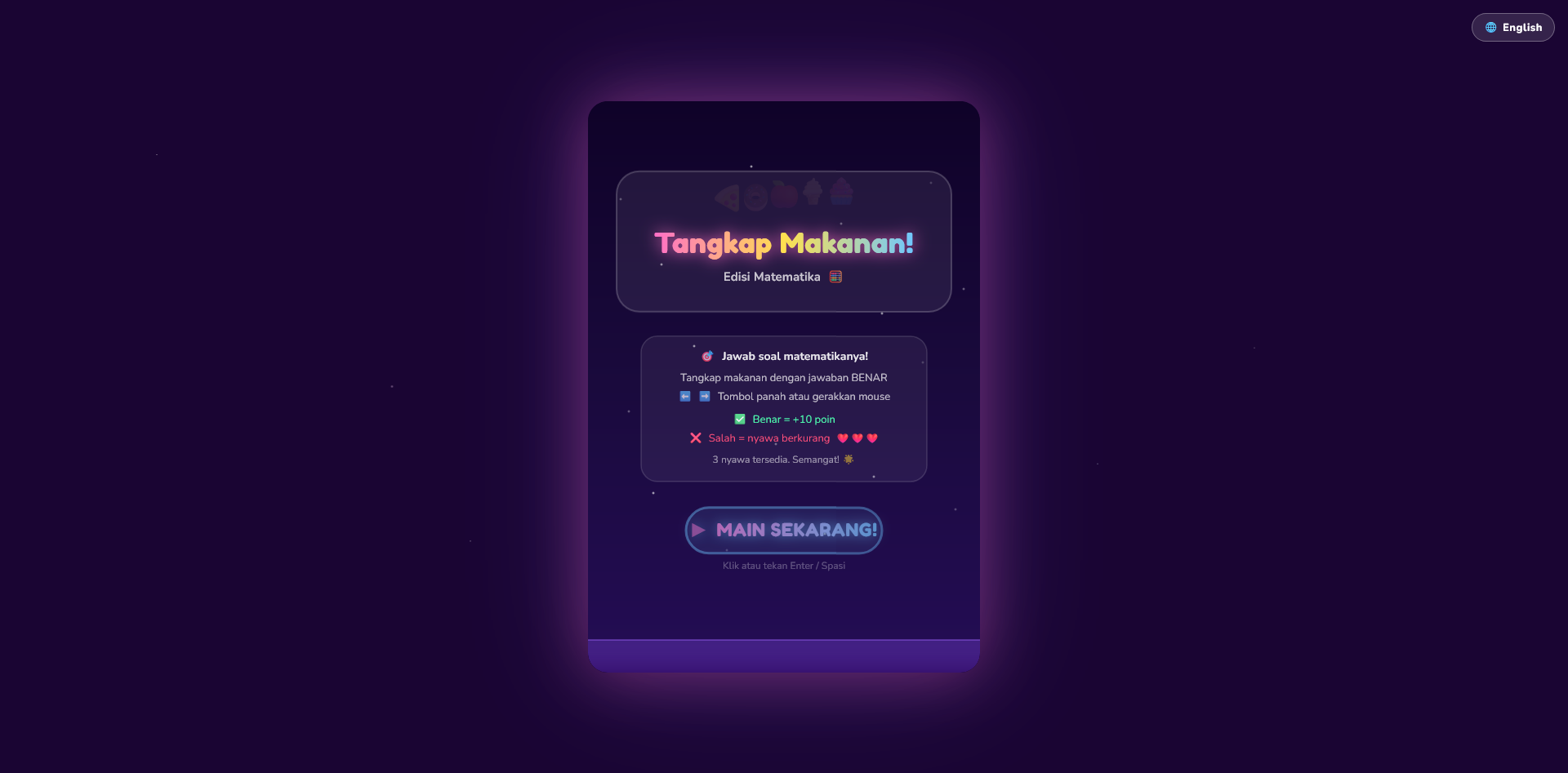
Why Build Your Own Educational Game?
You don’t need to download random games from the app store anymore.
Now you can create your own educational mini game that is:
- simpler
- safer for kids
- free from distracting ads
- tailored to your learning goals
And the best part?
You only need a prompt + free AI tools
The Idea Behind This
Instead of letting kids scroll endlessly or play random games, why not give them something that is:
- fun
- interactive
- and actually educational
With AI, you can generate simple mini games in just a few minutes.
Master Prompt (General Educational Mini Game)
You are a senior JavaScript game developer and educational experience designer.

Create a fun and engaging educational mini game using HTML5 Canvas and vanilla JavaScript.

Game concept:
- Title: [GAME TITLE]
- Target audience: [kids / teens / general]
- Topic: [math / memory / language / quiz / logic / etc]
- Learning objective: [what user will learn]

Gameplay:
- Core mechanic: [tap / drag / match / type / choose answer]
- Game type: [quiz / puzzle / reaction / memory / sorting]
- Goal: [what player needs to achieve]
- Lose condition: [optional or none]

Game design:
- Keep it simple and intuitive
- Make it rewarding and fun
- Encourage repetition and learning

Game systems:
- Score system based on performance
- Feedback system (correct / incorrect)
- Difficulty progression (level-based or time-based)

UI/UX:
- Clean layout
- Easy-to-understand instructions
- Visual feedback (animation, color change)
- Responsive canvas

Technical requirements:
- Single HTML file (HTML + CSS + JS)
- Use HTML5 Canvas for rendering
- Use requestAnimationFrame for game loop
- Modular code structure

Features:
- Start screen
- Gameplay screen
- Game over or result screen
- Restart button

Output:
- Provide full working HTML file
- Clean, readable, and commented code
- No explanation, only code
Example Prompt (Aligned with Master Prompt)
You are a senior JavaScript game developer and educational experience designer.

Create a fun and engaging educational mini game using HTML5 Canvas and vanilla JavaScript.

Game concept:
- Title: Math Tap Game
- Target audience: kids (age 5–10)
- Topic: basic math (addition)
- Learning objective: help kids practice simple addition in a fun and interactive way

Gameplay:
- Core mechanic: player taps the correct answer
- Game type: quiz / reaction game
- Goal: select the correct answer to score points
- Lose condition: selecting the wrong answer ends the game

Game design:
- Keep it simple and intuitive
- Use emoji for visual elements (🧠 👉 😢)
- Make it fun and rewarding
- Encourage repeated play

Game systems:
- Score increases on correct answer
- Immediate feedback for correct and incorrect answers
- Difficulty progression by increasing number range over time

UI/UX:
- Clean and minimal layout
- Clear instructions on start screen
- Visual feedback on answer selection
- Responsive canvas layout

Technical requirements:
- Single HTML file (HTML + CSS + JavaScript)
- Use HTML5 Canvas for rendering
- Use requestAnimationFrame for game loop
- Modular code structure

Features:
- Start screen
- Gameplay screen with score and question
- Game over screen with final score
- Restart button

Output:
- Provide full working HTML file
- Clean, readable, and commented code
- No explanation, only code
What You Can Build From This
- 🧠 Math games
- 🧩 Memory games
- 🇬🇧 Vocabulary games
- ⚡ Reaction games
- 🎯 Quiz games
👉 One prompt = multiple game ideas