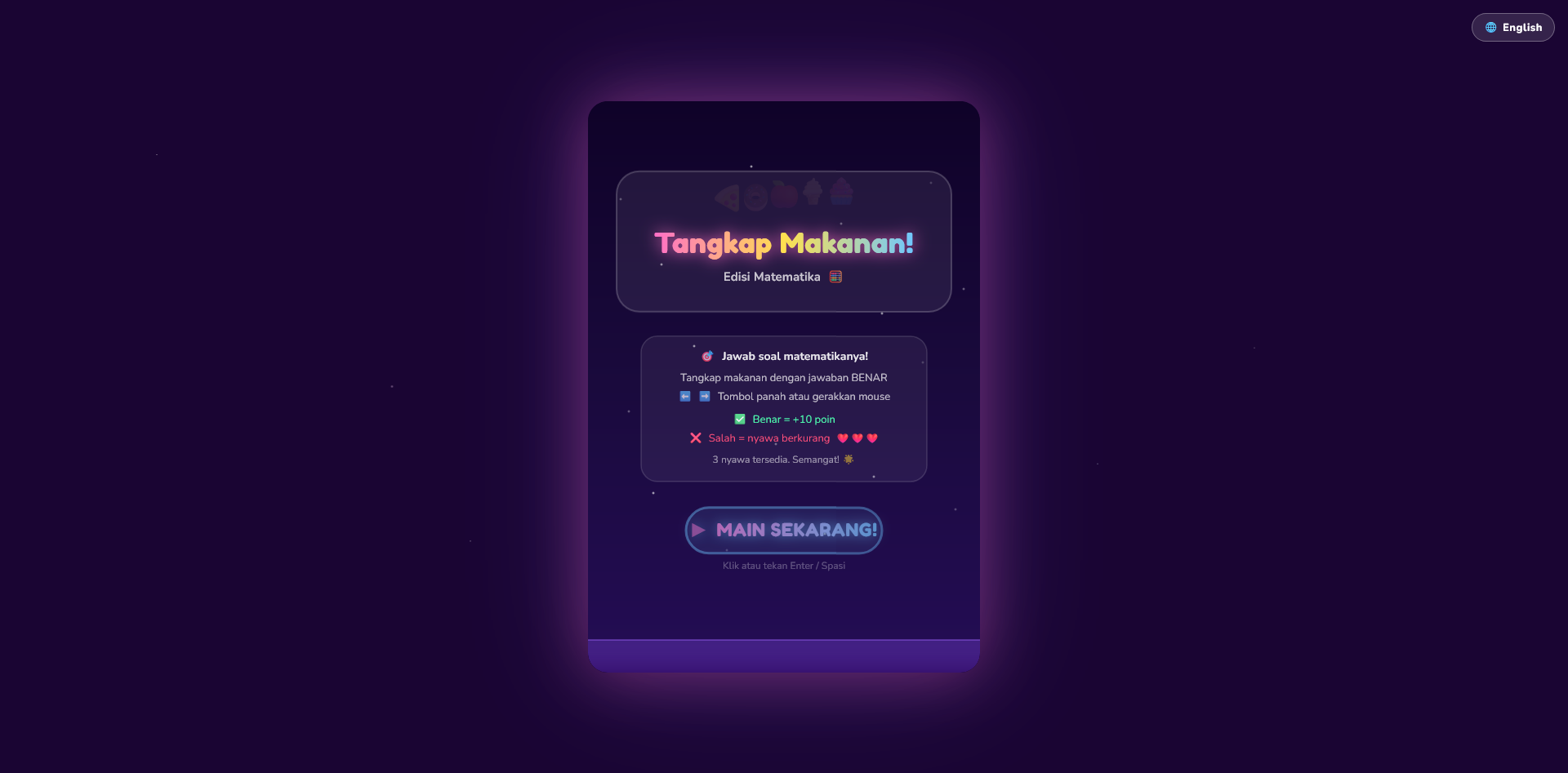
Kenapa Harus Bikin Game Edukasi Sendiri?
Lo nggak perlu lagi download game random dari App Store yang penuh iklan.
Sekarang lo bisa bikin mini game edukasi sendiri yang jauh lebih:
- simpel dan to-the-point
- aman buat anak-anak
- bebas dari iklan yang ganggu fokus
- disesuaikan sama target belajar yang lo mau
Dan bagian terbaiknya?
Lo cuma butuh prompt + free AI tools
Ide di Balik Ini Semua
Daripada biarin anak *scrolling* tanpa henti atau main game yang nggak jelas manfaatnya, kenapa nggak kasih sesuatu yang:
- seru buat dimainin
- interaktif
- dan beneran edukatif
Pake AI, lo bisa *generate* mini game simpel cuma dalam hitungan menit.
Master Prompt (General Educational Mini Game)
You are a senior JavaScript game developer and educational experience designer.

Create a fun and engaging educational mini game using HTML5 Canvas and vanilla JavaScript.

Game concept:
- Title: [GAME TITLE]
- Target audience: [kids / teens / general]
- Topic: [math / memory / language / quiz / logic / etc]
- Learning objective: [what user will learn]

Gameplay:
- Core mechanic: [tap / drag / match / type / choose answer]
- Game type: [quiz / puzzle / reaction / memory / sorting]
- Goal: [what player needs to achieve]
- Lose condition: [optional or none]

Game design:
- Keep it simple and intuitive
- Make it rewarding and fun
- Encourage repetition and learning

Game systems:
- Score system based on performance
- Feedback system (correct / incorrect)
- Difficulty progression (level-based or time-based)

UI/UX:
- Clean layout
- Easy-to-understand instructions
- Visual feedback (animation, color change)
- Responsive canvas

Technical requirements:
- Single HTML file (HTML + CSS + JS)
- Use HTML5 Canvas for rendering
- Use requestAnimationFrame for game loop
- Modular code structure

Features:
- Start screen
- Gameplay screen
- Game over or result screen
- Restart button

Output:
- Provide full working HTML file
- Clean, readable, and commented code
- No explanation, only code
Contoh Prompt Spesifik (Sesuai Master Prompt)
You are a senior JavaScript game developer and educational experience designer.

Create a fun and engaging educational mini game using HTML5 Canvas and vanilla JavaScript.

Game concept:
- Title: Math Tap Game
- Target audience: kids (age 5–10)
- Topic: basic math (addition)
- Learning objective: help kids practice simple addition in a fun and interactive way

Gameplay:
- Core mechanic: player taps the correct answer
- Game type: quiz / reaction game
- Goal: select the correct answer to score points
- Lose condition: selecting the wrong answer ends the game

Game design:
- Keep it simple and intuitive
- Use emoji for visual elements (🧠 👉 😢)
- Make it fun and rewarding
- Encourage repeated play

Game systems:
- Score increases on correct answer
- Immediate feedback for correct and incorrect answers
- Difficulty progression by increasing number range over time

UI/UX:
- Clean and minimal layout
- Clear instructions on start screen
- Visual feedback on answer selection
- Responsive canvas layout

Technical requirements:
- Single HTML file (HTML + CSS + JavaScript)
- Use HTML5 Canvas for rendering
- Use requestAnimationFrame for game loop
- Modular code structure

Features:
- Start screen
- Gameplay screen with score and question
- Game over screen with final score
- Restart button

Output:
- Provide full working HTML file
- Clean, readable, and commented code
- No explanation, only code
Apa Saja yang Bisa Lo Bikin Pake Ini?
- 🧠 Game Matematika
- 🧩 Game Mengasah Memori
- 🇬🇧 Game Kosakata (Bahasa Inggris/Lainnya)
- ⚡ Game Adu Reaksi
- 🎯 Game Kuis Interaktif
👉 Satu prompt = banyak ide game